
Prepare online booking around the way your clinic actually works.
Clinic management software
Before publishing a booking link, describe the journey you want a patient and the clinic team to follow. A useful starting point is one common appointment type, tested from beginning to end.
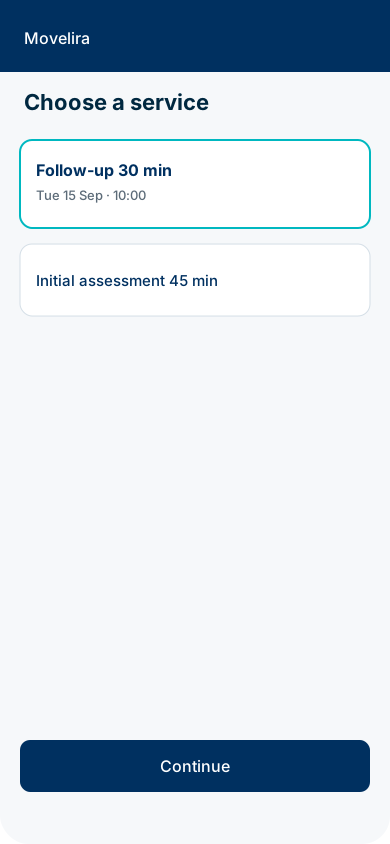
1. Define the appointment the patient is choosing.
Write the service name in language a patient can understand. Add enough explanation to distinguish it from other appointment types, without asking the booking form to make a clinical judgment.
Confirm the duration, practitioner choices and any practical restrictions. When a service needs a particular room, include that requirement in the scheduling setup. Avoid exposing an appointment simply because one part of the diary is free.
2. Decide what “booked” means.
Choose whether a patient can confirm a suitable time immediately or submits a request for clinic review. The result screen and any message should describe the same status.
Write down who handles requests and what the team does when a proposed time is unsuitable. Do not promise an immediate confirmation when the clinic still needs to check the request.
4. Test from both sides.
Test a successful booking, an unavailable time, a missing required field and the next step after confirmation. Repeat the journey on a phone. Check that buttons, labels and messages remain readable and usable.
Then inspect the clinic view. Confirm which practitioner, service, time and status the team sees. Test with fictional data in a sandbox, not with a real patient account.
Explore the workflow in Movelira.
Open the patient demo to review the patient-facing journey, then compare it with the clinic view. Ask about any rule or integration your practice needs that is not represented in the current demonstration.